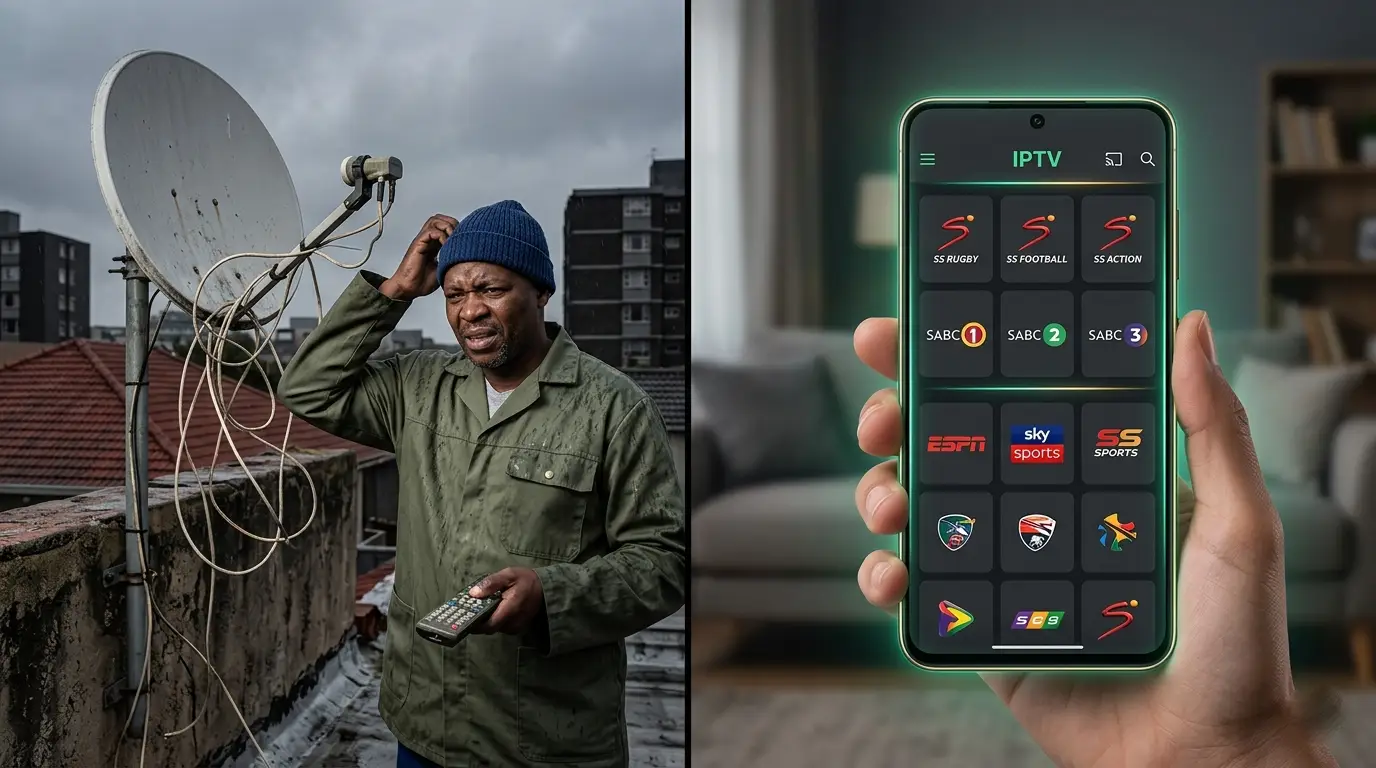
If you’ve been searching for a working DStv M3U playlist — you’ve probably already wasted a few hours on dead Telegram links and GitHub files that stopped working before you even tried them.
This guide explains exactly how a DStv M3U playlist works, why free ones always fail, and how to get a premium version that streams every channel in HD and 4K without ever buffering.
What Is a DStv M3U Playlist?
A DStv M3U playlist is a text file — or a URL link — that contains a list of streaming addresses for TV channels.
When you load it into an IPTV player app, the app reads the list and connects to each channel’s stream directly over your internet connection.
No satellite dish, no decoder, no technician. Just a link, an app, and your Wi-Fi.
The M3U format is the universal standard for IPTV playlists — which is why it works on every device: Android phones, iPhones, Smart TVs, Fire Sticks, laptops, and streaming boxes.
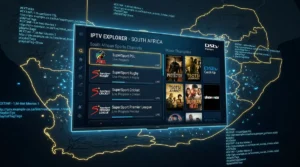
A proper DStv M3U playlist gives you access to all the channels DStv carries — local SA channels, SuperSport 1–12, movies, kids, news, international entertainment — without paying for the satellite subscription or renting the decoder.
Why Free DStv M3U Playlist Links Always Stop Working
Here’s the thing nobody in those Telegram groups tells you.
Free DStv M3U playlist links are scraped from unstable, unlicensed sources. The person sharing them doesn’t own the streams — they just found them somewhere and passed them along.
Those streams get shut down, moved, or password-protected constantly. Which is why the link that worked on Monday is dead by Wednesday.
Even when free links are technically alive, they’re shared with thousands of people at the same time. The servers can’t handle the load — especially during a big PSL match or Springboks test.
You’ll see it freeze exactly when you least want it to.
There’s also no EPG — no programme guide, no channel logos, no organised categories. Just a wall of unnamed URLs, most of which don’t work.
A premium DStv M3U playlist from a proper provider is a completely different experience. Dedicated servers, daily channel updates, full EPG, and real WhatsApp support when something goes wrong.
What You Actually Get With a Premium DStv M3U Playlist
SA-IPTV’s DStv M3U playlist gives you access to everything — local channels, sports, movies, kids, news, and international content — on one stable link that doesn’t expire.
📺 Local SA Channels
SABC 1, 2 & 3, eTV, kykNET, Mzansi Magic, 1Magic, eNCA, Newzroom Afrika — all 200+ local channels
⚽ Sports — All SuperSport
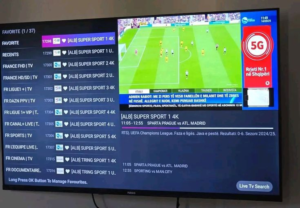
SuperSport 1–12 HD, beIN Sports, Sky Sports, ESPN, Eurosport — every PSL match, Premier League, Springboks, UFC
🎬 Movies & Series
260,000+ titles — HBO, Showtime, FOX, Disney, Sony — in HD, Full HD, and 4K Ultra HD
Every channel comes with a live EPG guide, full logos, and organised categories — exactly like a proper TV interface, not a random list of broken URLs.
7-day catch-up is included on all major channels. Miss the match? Scroll back and watch from kick-off.
Free DStv M3U Playlist vs Premium — Side by Side
| Free M3U Playlist | SA-IPTV Premium | |
|---|---|---|
| Channel stability | Breaks within 48 hours | 99.9% uptime guarantee |
| Stream quality | Low bitrate, constant freezing | HD, Full HD, 4K Ultra HD |
| EPG guide | None | Full live EPG included |
| Channel logos | None | All channels with logos |
| Catch-up TV | None | 7-day catch-up built in |
| Support | None | 24/7 WhatsApp support |
| Cost | Free (but useless) | From R399 for 3 months |
Which Devices Work With a DStv M3U Playlist?
Your M3U playlist link works on whatever you’re already using — no new hardware required.
Download the app for your device below, paste in your M3U URL, and you’re watching in under 3 minutes.
Not sure which app suits your device? WhatsApp us and we’ll walk you through the setup step by step.
How to Get Your DStv M3U Playlist in 3 Steps
Getting your DStv M3U playlist live takes under 5 minutes.
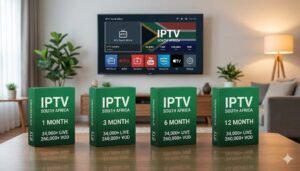
Step 1 — Choose a plan. Basic (3 months), Premium (6 months), Luxury (12 months), or VIP Max (24 months) — same full channel lineup in every plan.
Step 2 — Receive your M3U link. Your personal M3U URL and Xtream Codes credentials arrive on WhatsApp within minutes of payment — any time of day, any day of the week.
Step 3 — Paste and watch. Open your IPTV player, paste the link, and your full channel guide loads immediately — logos, EPG, categories, and 34,000+ channels ready to stream.
Not ready to commit? WhatsApp us for a free 24-hour trial — full access, no payment needed.
DStv M3U Playlist South Africa — Frequently Asked Questions
Is a DStv M3U playlist legal in South Africa?
Using a licensed IPTV provider that delivers an M3U playlist is completely legal. Free, unlicensed playlists that distribute pirated content operate outside the law. SA-IPTV is a licensed South African provider — you’re fully covered.
What internet speed do I need for a DStv M3U playlist?
10 Mbps is enough for HD. For 4K, aim for 25 Mbps or more. Most South African fibre and LTE connections are well above those numbers.
Does a DStv M3U playlist work during load shedding?
Yes — as long as you have an active internet connection through mobile data, a UPS router, or a generator, the stream runs normally. The M3U link itself is not affected by power cuts.
Can I use the DStv M3U playlist on more than one device?
Each subscription supports one active stream at a time. Need multiple screens? Contact us on WhatsApp for a multi-connection package.
How often is the DStv M3U playlist updated?
SA-IPTV updates channels daily. If a source changes or a new channel is added, your M3U link reflects it automatically — no downloads, no manual updates needed.
Stop Searching. Start Watching.
The best DStv M3U playlist South Africa has available isn’t a free Telegram link that dies in 48 hours.
It’s a premium, stable link that streams 34,000+ channels in HD and 4K — every SuperSport, every local channel, 260,000+ movies — starting from R399 for 3 full months.
Get Your DStv M3U Playlist Today
34,000+ Channels • HD & 4K • Full EPG • From R399 for 3 Months