Searching for a free popular IPTV playlist that actually works? You’ve probably already downloaded a dozen M3U files off Telegram and GitHub — and watched every one of them die within a day or two. You’re not doing anything wrong. That’s just how free playlists work.
This guide explains exactly what an IPTV playlist is, why the free ones keep breaking, how to load one on any device you own, and how to get a stable premium playlist that streams 34,000+ channels in HD and 4K without buffering — plus a free 24-hour test so you can try it before you pay a single rand.
What Is a Free Popular IPTV Playlist?
A free popular IPTV playlist is an M3U file — or a single URL link — that holds a list of live TV channel streams. You load it into an IPTV player app, the app reads the list, and it connects to each channel directly over your internet connection.
The M3U format is the universal standard for IPTV, which is why the same playlist works on Android, iPhone, Smart TVs, Fire Sticks and laptops. No satellite dish, no decoder, no technician — just a link, an app and your Wi-Fi.
A free popular IPTV playlist is simply one of the ones passed around the most in WhatsApp and Telegram groups because they briefly carry sports and premium channels. The problem is what happens next — and it’s the same story every single time.
Why Free Popular IPTV Playlist Links Always Stop Working
Here’s what those groups never tell you. Free playlists are scraped from unstable, unlicensed sources. The person sharing the link doesn’t own the streams — they found them somewhere and passed them along.
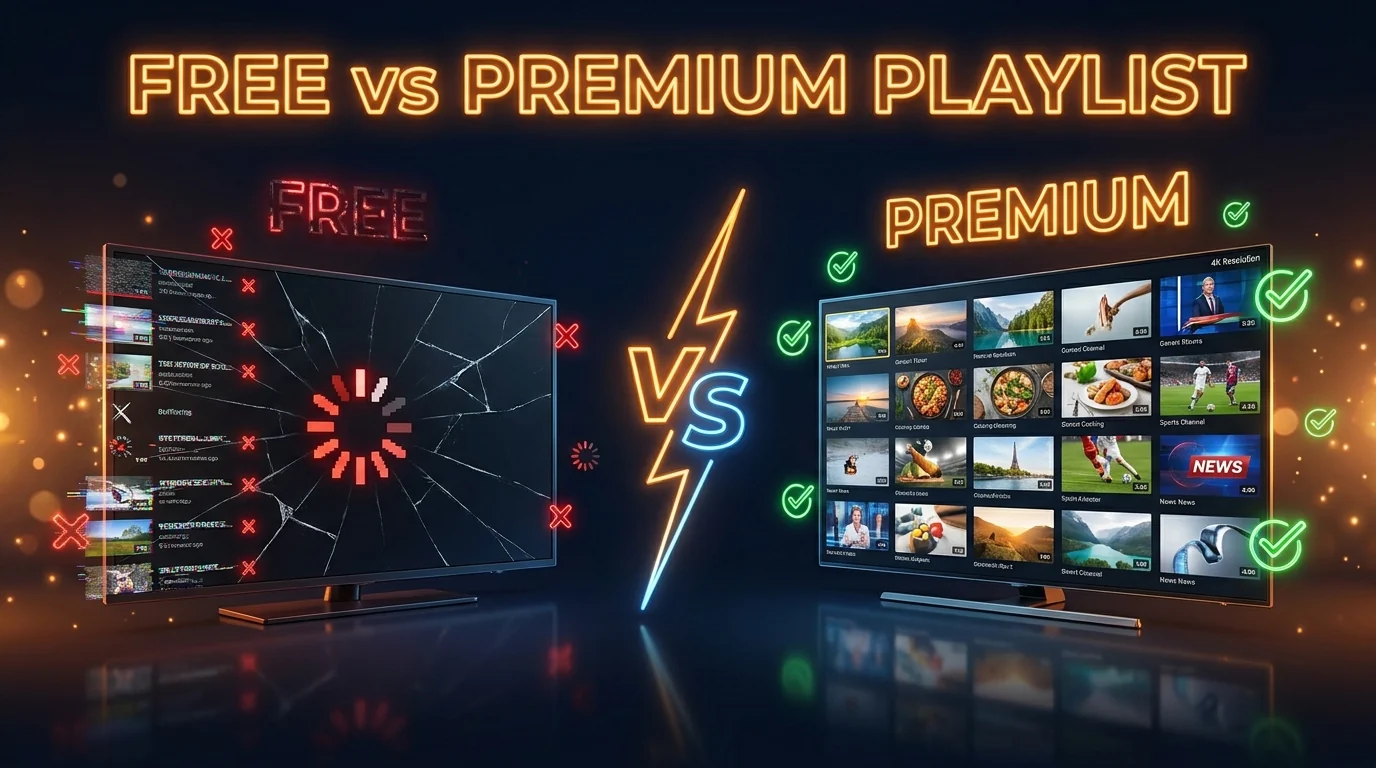
Those streams get shut down, moved or password-protected constantly — which is why the link that worked on Monday is dead by Wednesday. And even when a free link is technically alive, it’s shared with thousands of people at once. The servers buckle exactly when you least want them to: the 89th minute of a PSL match, or kick-off of a Springboks test.
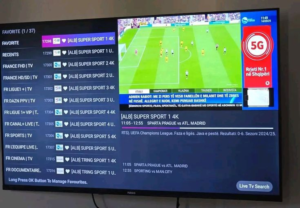
There’s also no EPG programme guide, no channel logos, no organised categories — just a wall of unnamed URLs, most already dead. A premium alternative to a free popular IPTV playlist is a completely different experience: dedicated servers, daily updates, full EPG, and real WhatsApp support when something goes wrong.
| Free M3U Playlist | SA-IPTV Premium | |
|---|---|---|
| Channel stability | Breaks within 48 hours | 99.9% uptime guarantee |
| Stream quality | Low bitrate, constant freezing | HD, Full HD, 4K Ultra HD |
| EPG guide | None | Full live EPG included |
| Channel logos | None | All channels with logos |
| Catch-up TV | None | 7-day catch-up built in |
| Support | None | 24/7 WhatsApp support |
| Cost | Free (but useless) | From R469 for 3 months |
What You Get With the SA-IPTV Premium Playlist
Instead of chasing another free popular IPTV playlist that dies overnight, one stable SA-IPTV playlist gives you everything on a URL that doesn’t expire:
34,000+
Live TV channels — all local SA channels, every SuperSport, international sports, movies, kids and news
260,000+
Movies & series on demand — the latest releases in HD, Full HD and 4K Ultra HD
4K
Ultra HD picture quality with AntiFreeze technology and 99.9% server uptime
24/7
Real WhatsApp support — plus a full live EPG, channel logos and 7-day catch-up on every channel
Every SuperSport channel, all the local SA channels, PSL football, rugby, cricket, UFC and F1 are included in every playlist plan — the same lineup you can browse on our IPTV channels list. It works exactly like a proper TV interface, not a random list of broken URLs.
How to Use an IPTV Playlist on Any Device
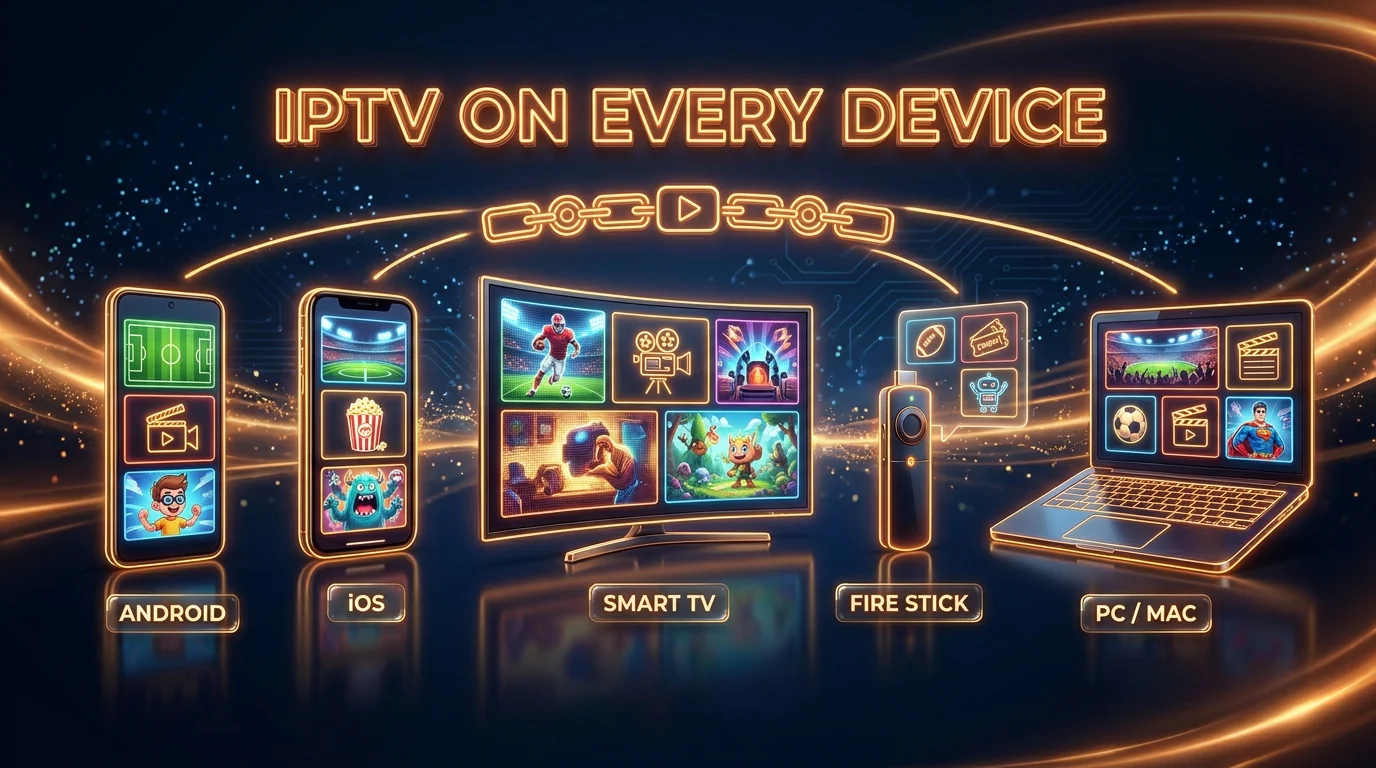
This is the part most guides skip. Whatever you already own is enough — the same M3U playlist works on all of it. Download the right app, paste your link or login, and you’re watching in under 3 minutes.
📱 Android Phone / Box
Install IPTV Smarters Pro, choose “Login with Xtream Codes API” or “Load M3U URL”, paste your details, done.
🍎 iPhone / iPad
Install Smarters Player Lite from the App Store, add your playlist by Xtream Codes or M3U URL, and it loads instantly.
📺 Samsung / LG Smart TV
Install the IPTV Smarters app from your TV store, enter your login, and your channels appear with full EPG and logos.
🔥 Fire Stick
Use the Downloader app to sideload IPTV Smarters, then load your playlist. Follow our quick video walkthrough.
💻 Windows / Mac
Install IPTV Smarters for desktop, paste your M3U URL or Xtream Codes login, and watch on the big screen.
📡 MAG / Formuler
Enter your portal URL in the device settings and the full channel list loads automatically. We’ll send exact steps on WhatsApp.
Stuck on any step? Our full IPTV installation tutorial walks through every device, or just message us on WhatsApp and we’ll set it up with you.
Try It Free — 24-Hour IPTV Test Before You Pay
You don’t have to trust another free popular IPTV playlist blindly. Before you pay anything, we give you a free 24-hour test of the full playlist — same servers, same 34,000+ channels, same 4K quality that paying customers use every day.
Ready to Upgrade? Our Plans & Prices
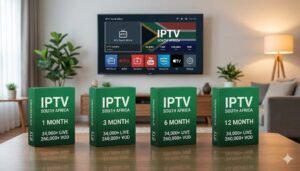
When the test convinces you, upgrading is one WhatsApp message. Every plan includes the identical full playlist — all channels, all sports, 4K, EPG and catch-up — with a 100% money-back guarantee for your first 24 hours:
3 MONTHS — BASIC
R469
One-time payment
6 MONTHS — PREMIUM ★
R759
Most popular
12 MONTHS — LUXURY
R1352
Best value
24 MONTHS — VIP MAX
R2669
Set & forget
See the full feature breakdown on the IPTV subscription plans page. That R469 for three months works out to less than one DStv reconnection fee — for a playlist that never dies.
Is a Free IPTV Playlist Legal in South Africa?
Using a licensed IPTV provider that gives you an M3U playlist is completely legal. Free, unlicensed playlists that distribute pirated streams operate outside the law — which is another reason they keep getting shut down. If you want to read the technical background, the M3U format is documented here. SA-IPTV is a licensed provider, so you’re on the right side of it.
Free Popular IPTV Playlist — Frequently Asked Questions
Are free popular IPTV playlist links safe to use?
They’re risky. Free M3U links come from unlicensed sources, break within days, and some carry malware or redirect you to shady sites. A licensed premium playlist is safer, stable, and comes with real support.
Why do free M3U playlists keep buffering?
Because thousands of people hit the same weak server at once. There’s no dedicated capacity, so the stream collapses during peak hours and big matches. Premium playlists run dedicated servers with 99.9% uptime.
What app do I need to open an IPTV playlist?
IPTV Smarters Pro (Android, Smart TV, Windows, Mac) or Smarters Player Lite (iPhone/iPad) are the most popular. You just paste your M3U URL or Xtream Codes login and the channels load automatically.
Can I test the playlist before paying?
Yes. We give you a free 24-hour test of the full playlist — 34,000+ channels in HD and 4K — with no card details. Just message us on WhatsApp and your trial login arrives in minutes.
Does the playlist work during load shedding?
Yes — as long as you have internet through mobile data, a UPS router or a generator, the stream keeps running. The playlist link itself is not affected by power cuts.
How much does the premium playlist cost?
Plans start at R469 for 3 months, R759 for 6 months, R1352 for 12 months and R2669 for 24 months — a one-time payment with all channels and a 24-hour money-back guarantee.
Stop Chasing Dead Links. Get a Playlist That Works.
The best free popular IPTV playlist isn’t a Telegram link that dies in 48 hours — it’s a stable premium playlist you got to test for free first. 34,000+ channels, HD and 4K, full EPG, every SuperSport, on every device you own.
Start Your Free 24H Playlist Test Now
34,000+ Channels • HD & 4K • Full EPG • No Card Needed • Ready in 5 Minutes